First Login
Klear has two separate apps. Sign in to the one that matches your role.
Admin / Finance login
Go to http://your-domain/admin (or localhost:3001 in development).
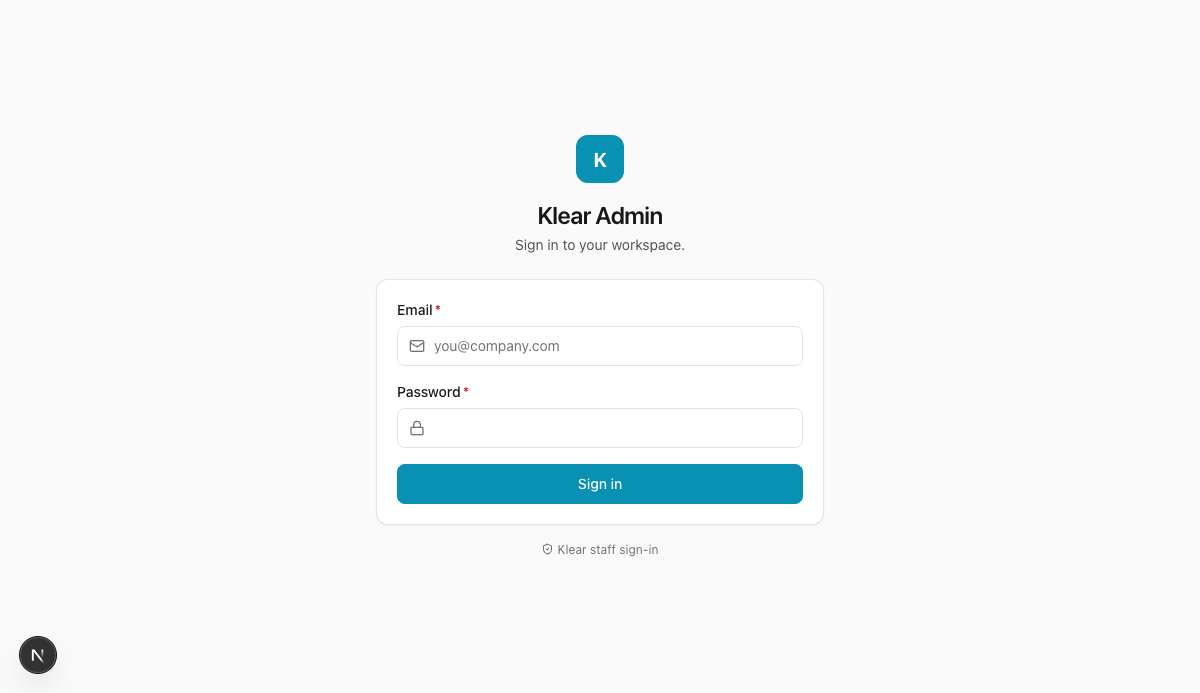
Enter your work email and password, then click Sign in. You will land on the Dashboard.
Default demo credentials
The demo workspace ships with pre-seeded users — all share password demo1234.
Admin: [email protected] · Owner: [email protected]
Employee login
Go to http://your-domain (or localhost:3000 in development). Enter your work email and password.
You will land on the Expenses list showing all your submitted and in-progress claims.
Forgot password
Contact your workspace Admin. Self-serve password reset is coming in v1.5.