Card Reconciliation
Card Reconciliation matches corporate card statement transactions against approved expenses in Klear, closing the loop between what was spent and what was claimed.
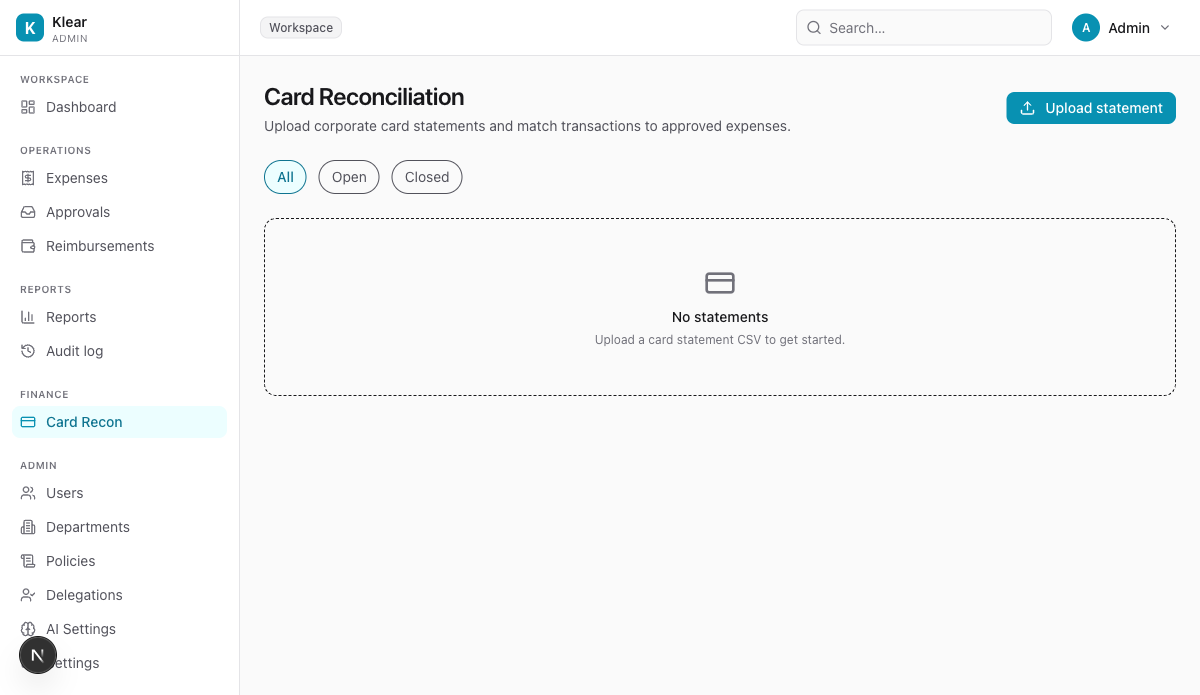
Upload a statement
- Click Upload statement
- Select your CSV export from your corporate card provider
- Klear parses each transaction and runs automatic matching against approved expenses
Matching tiers
Klear's matcher assigns a confidence tier to each transaction:
| Tier | Criteria |
|---|---|
| Exact | Amount, date, and merchant all match perfectly |
| Strong | Amount and merchant match; date within 2 days |
| Probable | Amount matches; merchant or date slightly differ |
| Weak | Only partial match — requires manual review |
Review and close
- Transactions matched at Exact or Strong confidence are highlighted for quick confirmation
- Probable and Weak matches require you to manually confirm or reassign
- A statement can only be closed when all transactions are resolved (matched or marked as unmatched)
Unmatched transactions
If a transaction has no matching expense, it typically means:
- The employee has not yet submitted the expense — follow up with them
- The expense was submitted under a different category or amount
Statement history
All uploaded statements are listed on the Card Recon page with Open/Closed status. Closed statements are read-only.