Reimbursements
The Reimbursements page is where Finance marks approved expenses as paid after completing bank transfers.
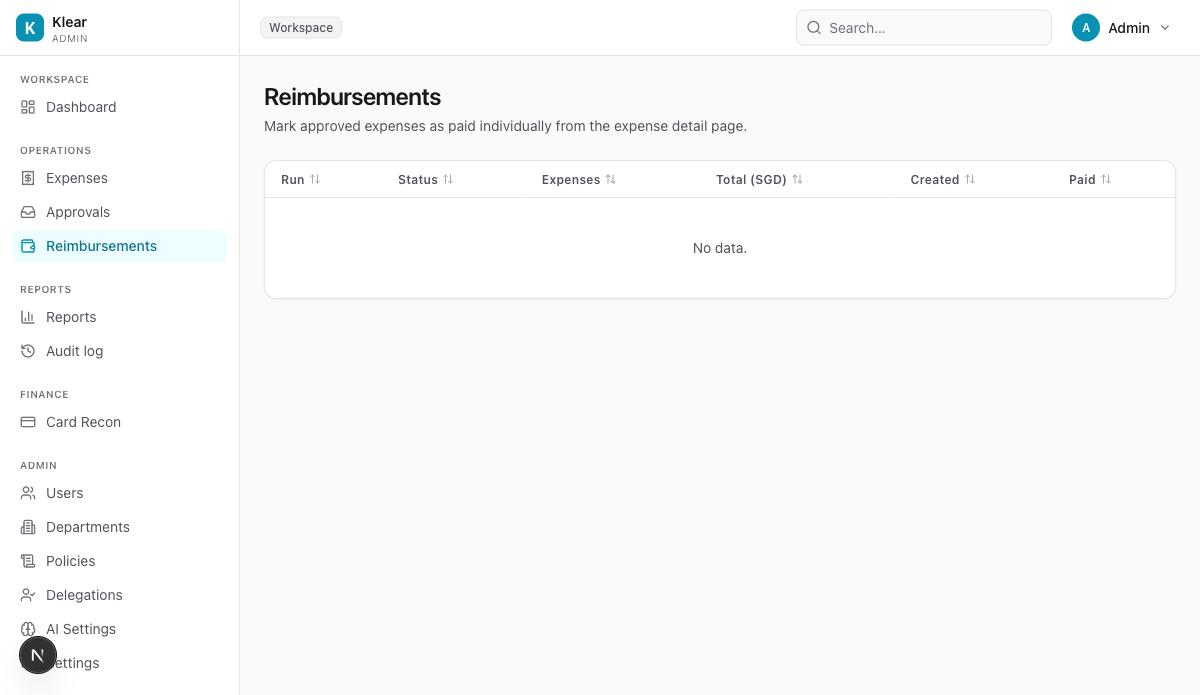
How reimbursements work
- An expense is approved by all required chain steps
- Finance reviews approved expenses in the Expenses list and processes payment via your bank (PayNow, GIRO, or bank transfer)
- Finance then marks the expense as Paid in Klear
- The employee is notified by email
- The expense auto-closes 7 days after being marked paid and becomes immutable
Mark an expense as paid
- Go to Expenses and filter by Status: Approved
- Open the expense detail
- Click Mark as paid
Reimbursement runs (coming in v1.5)
Batch reimbursement runs with generated payment instruction files (CSV, GIRO IBG, PDF) are planned for v1.5. Currently each expense is marked paid individually.
Partial reimbursements
If only part of an expense can be reimbursed, contact your Klear workspace Owner. Partial reimbursements with reason tracking are supported at the API level.
info
Reimbursement history is preserved in the audit trail. Go to Audit log to see all payment events.