Departments
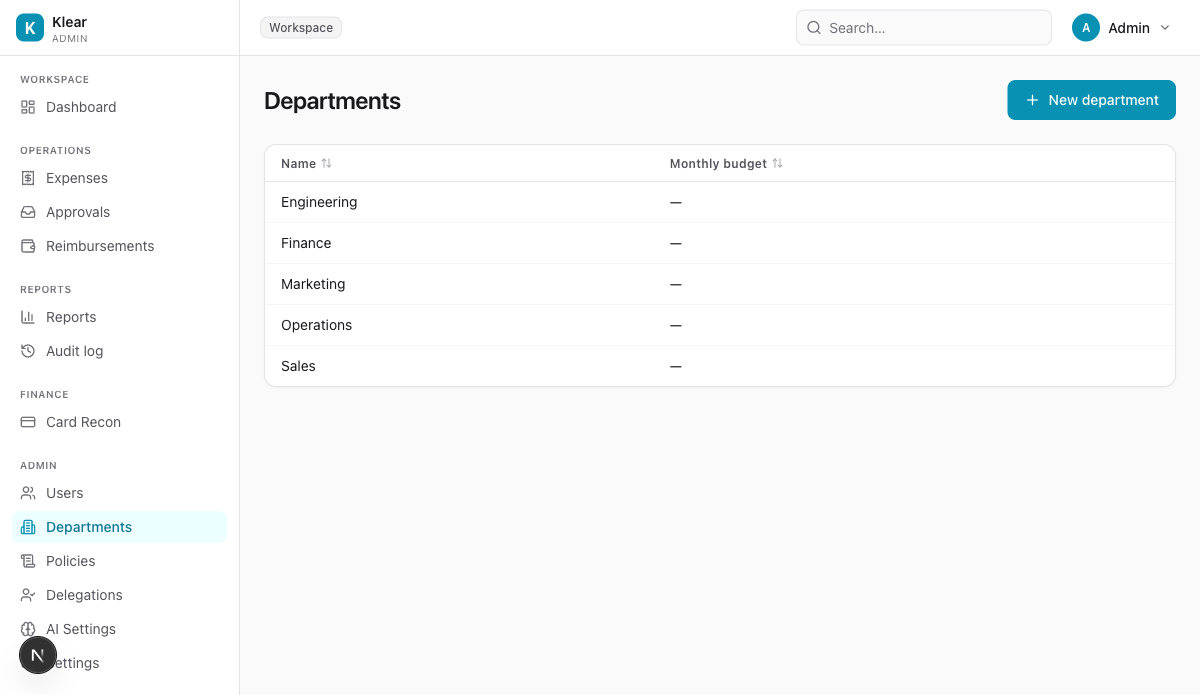
Departments group users for spend reporting and policy scoping. They mirror your org chart.
Create a department
Click + New department to open the create modal.
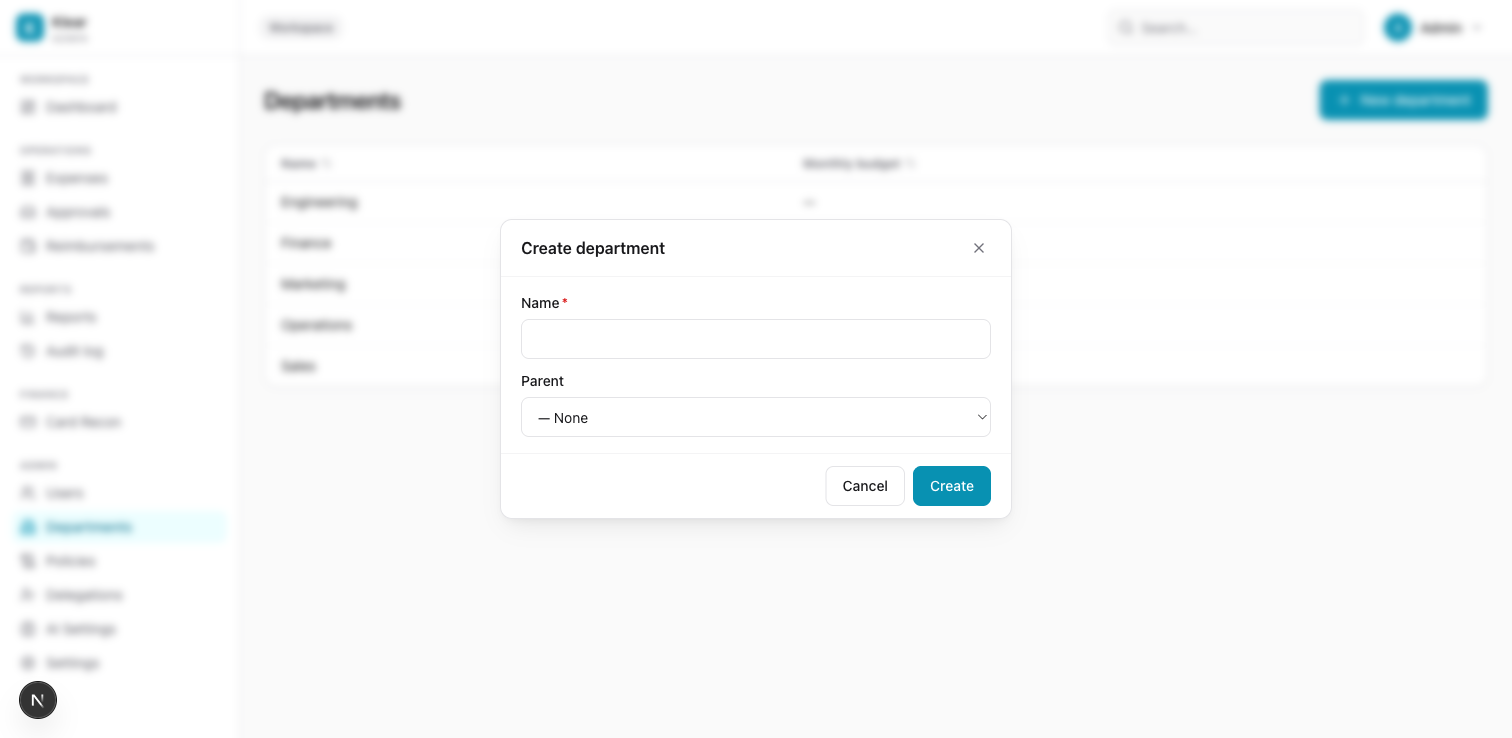
| Field | Required | Notes |
|---|---|---|
| Name | Yes | e.g. Sales, Engineering, Finance |
| Parent | No | Nest this department under another for sub-team structures |
Click Create. The department appears in the list immediately and is available for user assignment and policy scoping.
Edit a department
Click the department row to open the edit modal. You can rename it or change the parent. Changes apply immediately.
Delete a department
A department can only be deleted when no users are currently assigned to it. Reassign or deactivate affected users first.
How departments are used across Klear
User assignment
Each user can be assigned to one department (set in their profile). This controls which department-scoped policies apply to their expenses.
Policy scoping
When creating or editing a policy, the Applies To section lets you restrict that policy to specific departments. An expense submitted by a user in the Sales department will only trigger policies scoped to Sales or with no department restriction.
Reports
The Reports page shows spend by department — a breakdown of total approved spend per department, useful for budget reviews.
Approval chain inheritance
Department-scoped policies define their own approval chains. These chains merge with company-wide chains, but locked company-wide steps always remain.
Recommended structure
Keep departments aligned with your payroll or accounting structure so the spend-by-department reports match your finance records.
Example: Sales, Marketing, Engineering, Finance, Operations
Sub-department (parent/child) nesting is available for larger organisations. For financial tracking at a finer granularity, see Cost Centres.